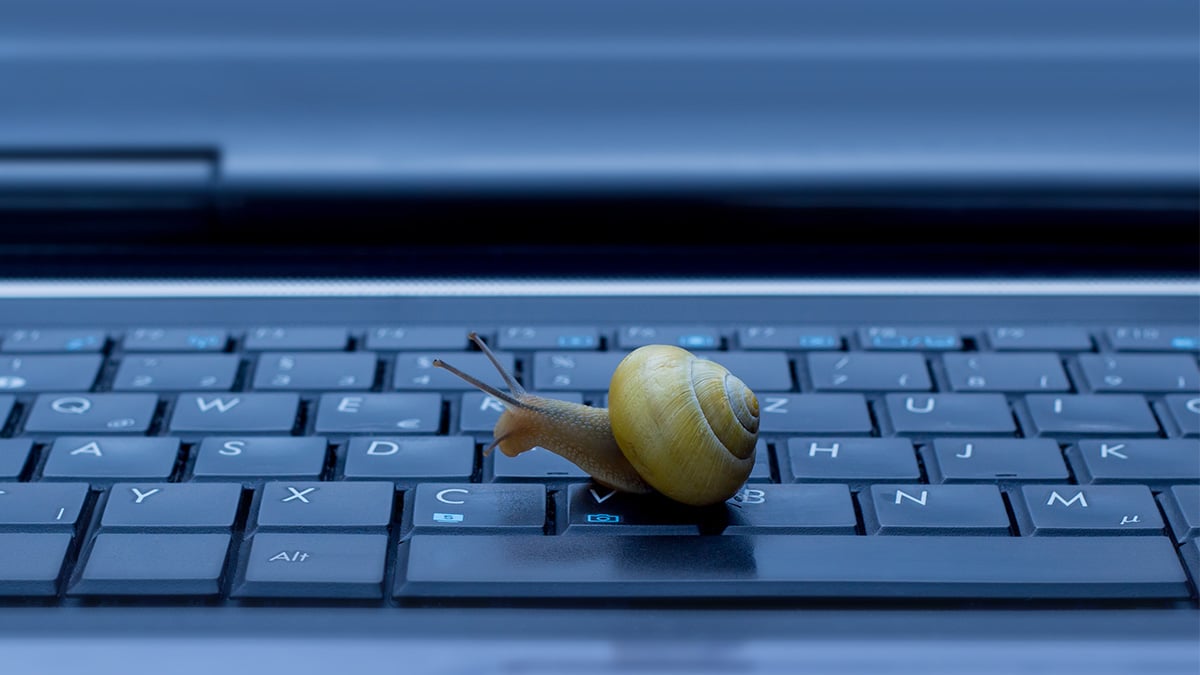
There are several ways you can try to improve the speed and performance of your Windows PC:
-
Close unnecessary programs and processes: Having multiple programs and processes running in the background can slow down your PC. Close any programs or processes that you are not using to free up system resources.
-
Remove unused programs and files: Unused programs and files take up space on your hard drive and can slow down your PC. Consider using a disk cleanup tool to remove these items.
-
Defragment your hard drive: Over time, your hard drive can become fragmented, which can slow down your PC. Use the built-in Disk Defragmenter tool to defragment your hard drive and improve performance.
-
Optimize your startup programs: Having too many programs set to start automatically when you turn on your PC can slow down the boot process. Use the Task Manager to disable unnecessary startup programs.
-
Upgrade your hardware: If your PC is older and has slower components, you may see a significant improvement in speed by upgrading to faster hardware, such as a solid-state drive (SSD) or a faster processor.
-
Use a PC optimization tool: There are several tools available that can help optimize your PC by cleaning up temporary files, fixing registry errors, and more. These tools can be a quick and easy way to improve the performance of your PC.
 Learners Family
Leave a comment